

Desktop publishing services assist organisations to turn raw material into professionally formatted documents with visual consistency, brand conformance, and suitability for print/digital delivery. Through desktop publishing, organisations can deliver their own unique visual identity in a manner that maintains visual consistency and brand alignment across their entire organisation. Desktop publishing services assist with both marketing and corporate communications at scale, as well as for multilingual projects.
Why Desktop Publishing Still Matters in a Digital-First World
Despite the availability of new tools like layout and automation programs, many companies still face challenges with inconsistent page layouts, formatting problems, and branding issues. Desktop publishing (DTP) services are still essential to creating high-quality marketing collateral like investor reports, product manuals, multilingual brochures, and eBooks. DTP provides consistency in how materials are displayed, so that they look professional, easy-to-read, and consistent from one format or region to another.
DTP serves as the last step in a production cycle by uniting all written materials, graphical standards, and localization processes into one cohesive workflow.
Desktop Publishing Definition: What Desktop Publishing Really Means
The process of formatting, arranging, and producing content with special software in order to prepare it for printing or digitally distributing it is called desktop publishing.
Desktop publishing is more than just designing a document. It includes:
- Accurate layout formatting (margins, grids, page numbers)
- Typographic and font control
- Placement of images and sixe and resolution control
- Preparing files for printing or digital output
Desktop publishing is not the same as content creation, which includes writing or editing, and it provides the means to prepare completed content to be well-structured, readable, and ready to be used for production. Currently, marketing, publishing, legal services, and large international companies are using the services of desktop publishing to ensure they’re able to create high-quality work at scale.
What Is a Desktop Publishing Program?
A desktop publishing program is software that helps put together text, images, charts, and graphics to produce documents in an organized way for professional-quality output.
Some of the main functions of desktop publishing are:
- Page and master page management
- Use of Style Sheets to ensure consistent branding
- Use of advanced typography and alignment
- Exporting of documents for print and digital publications
Desktop publishing programs help businesses create documents that are consistent in appearance, such as brochures, reports, manuals, catalogs, and online publications, by eliminating layout errors and reworking the document.
Also read,
- What is Desktop Publishing (DTP): Everything You Need to Know
- Why Desktop Publishing Services Are Essential for Global Business Communication
- Can DTP Publishing Boost Your Online Presence in 2026?
Desktop Publishing Software, Applications, and Tools Explained
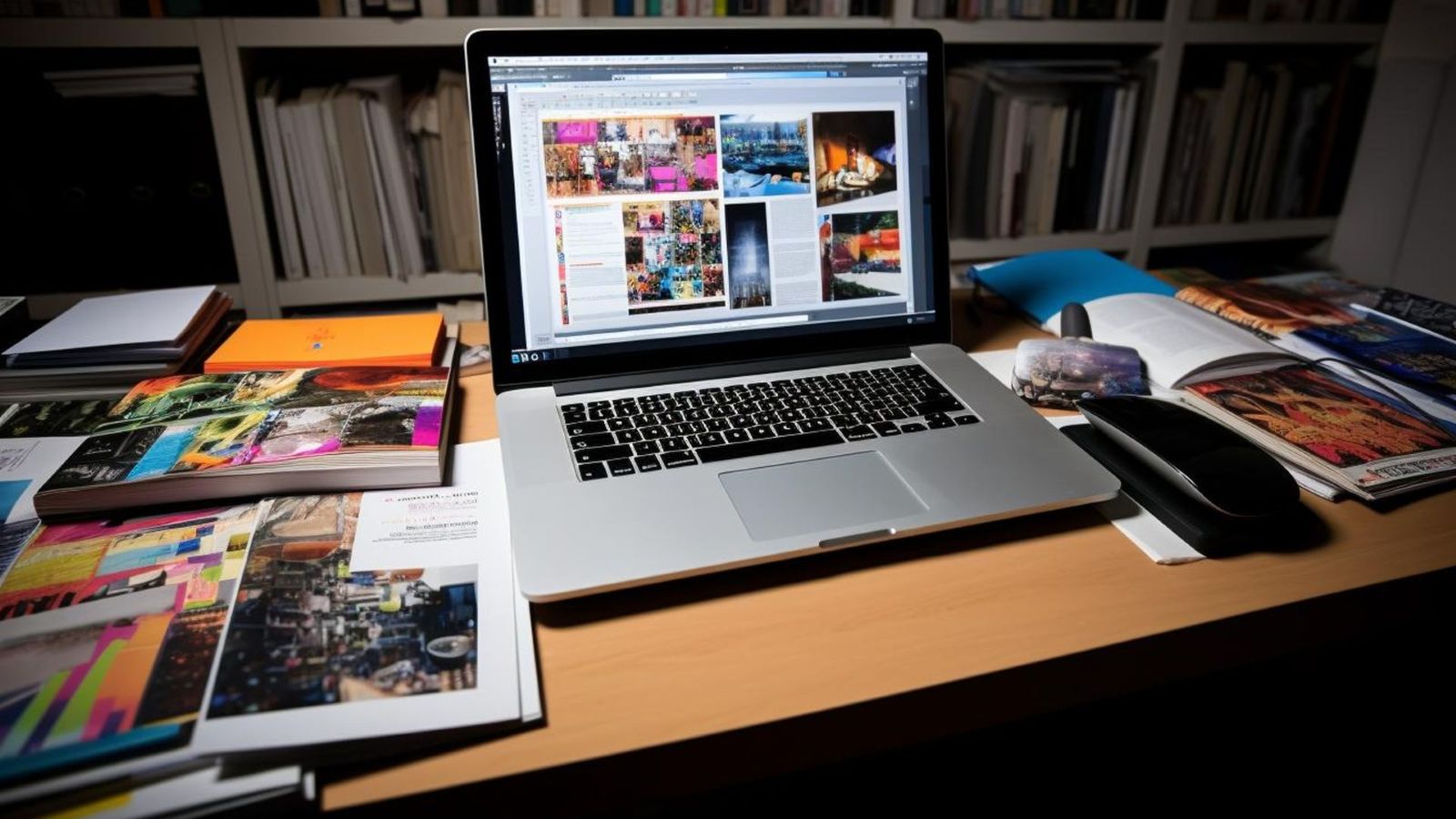
1. Desktop Publishing Software vs Desktop Publishing Apps
Desktop publishing programs provide full control of the large and/or high-volume printing projects, while desktop publishing apps allow the creation of simpler layouts.
Enterprises should purchase software rather than an app when they have the following needs:
- For applications requiring multiple pages.
- For applications requiring complete and exact typographical control.
- For applications requiring print-ready and/or multilingual outputs.
Apps are great for small edits but are not suitable for publish professionally.
2. Popular Desktop Publishing Tools and Programs
Commonly used desktop publishing tools and programs for desktop publishing include industry-standard layout platforms and publishing systems tailored for business and publishing environments.
Choosing the right software for desktop publishing depends on:
- Output format (print vs digital)
- Volume of content
- Language complexity
- Brand requirements
Choosing the right software for desktop publishing depends on output requirements, collaboration needs, and file compatibility with printers or localization workflows.
3. Desktop Publishing for Mac Users
Desktop publishing on a Mac requires taking into consideration:
- Compatibility of fonts across operating systems
- Accurate file exports
- Ability to collaborate across platforms
While a Mac-based workflow offers a great deal of power, it can present issues when transferring documents to Windows-based users or working with globally distributed teams. This is why professional desktop publishing services are so valuable in ensuring consistency and quality control.
Types of Desktop Publishing and Their Business Use Cases
There are several desktop publishing types, each serving different business needs:
- Print publishing: brochures, manuals, books, product catalogs
- Digital publishing: PDFs, eBooks, corporate reports, online publications
- Marketingand corporate assets: presentations, sales materials, brand documentation
In large projects, a desktop publishing publisher coordinates layout standards, production workflows, and output quality across teams and regions.
Desktop Publishing Skills: What Makes a Professional DTP Specialist
Strong desktop publishing skills go far beyond visual taste. A professional desktop publishing specialist brings:
- Advanced typography knowledge
- Layout accuracy and spacing control
- File format expertise
- Version and template management
A skilled desktop publishing specialist ensures documents remain consistent—even when content changes or languages expand. Automation alone cannot manage these complexities reliably.
Multilingual Desktop Publishing: Formatting Across Languages
Delivering multilingual multimedia products creates its own challenges:
- Text will expand or contract.
- Languages that flow from the right to the left.
- Fonts and scripts may not be compatible with each other
- Documents may need to be redesigned for each culture.
Without expertise to properly create multilingual documents, many times they appear visually incorrect. Therefore, to keep documents consistent and accurate in all global markets, businesses seek out professional desktop publishing service providers as part of their localization workflow.
Choosing the Right Desktop Publishing Company
When selecting a desktop publishing company, businesses should evaluate:
- Technical expertise
- Language and localization support
- Quality control processes
- Scalability
In-house tools may work for small projects, but outsourced desktop publishing service providers offer efficiency, consistency, and reduced operational risk for growing content needs.
How Professional Desktop Publishing Services Add Business Value
Outsourcing desktop publishing services delivers clear advantages:
- Faster turnaround times
- Consistent branding
- Reduced formatting errors
- Seamless integration with translation workflows
This lets internal teams focus on strategy while specialists handle production precision.
Why VerboLabs Is the Right Desktop Publishing Partner?
VerboLabs is a trusted desktop publishing company delivering industry-ready solutions for global content. With deep expertise in multilingual desktop publishing, VerboLabs supports businesses that need accuracy, scalability, and seamless integration with translation and localization projects.
Explore VerboLabs and their Desktop Publishing services to streamline your global content production.
Conclusion
Desktop publishing continues to play a critical role in helping businesses present information clearly, consistently, and professionally—no matter how digital-first the world becomes. From marketing materials and corporate reports to complex multilingual documents, DTP ensures that content is not only accurate but also visually aligned with brand standards and ready for global distribution. While modern tools and apps can assist with basic layouts, they cannot replace the expertise required for large-scale, high-stakes, and multilingual publishing projects.
By partnering with a professional desktop publishing service provider like VerboLabs, businesses can reduce errors, maintain brand consistency, and streamline their content production workflows—allowing teams to focus on growth while experts handle precision and presentation.

Ensure flawless, brand-consistent content—partner with VerboLabs for expert desktop publishing today!
FAQs
Desktop publishing focuses on layout execution and formatting accuracy, while graphic design focuses on visual concepts and creative direction.
It’s used to format and prepare professional documents for print and digital distribution.
Professional software depends on document complexity, output needs, and multilingual requirements.
Yes. Multilingual formatting requires expertise to prevent layout and readability issues.
Print publishing, digital publishing, and marketing/corporate document production.
Only when managed by skilled specialists with language-specific formatting knowledge.
Outsourcing ensures accuracy, scalability, faster delivery, and reduced formatting risks.