

Software localization entails more than mere translation of what users read on their screens. Even a tiny alteration of an onboarding message may result in impacts on different areas within the product, and so the translation that seems alright in the text document cannot work after being integrated into the application.
The focus of software localization tools comprises aspects of operational needs when launching a release, including translation management systems, branch management, placeholder checking, content inspections, and correct language file forwarding.
- CENTROID by VerboLabs – an artificial intelligence-driven localization tool that helps teams verify the resource files and the launch process.
- Phrase Strings – a key-based localization platform software.
- Lokalise and Crowdin – collaboration tools for teams in design, product, development, and translation.
- Transifex, Smartling, and XTM Cloud – these are platforms based on continuous or enterprise localization programs.
- Localazy, POEditor, and Weblate – software solutions suitable for automating processes handled by developers and creating simpler workflows with resource files.
Compare the 10 Options by Buying Requirement
| Tool | Main platform focus | Pricing basis | Key buyer check |
| CENTROID | AI-led localization platform | Contact sales | Resource-file and release workflow |
| Phrase Strings | Key-based software localization | Subscription | Branch and merge handling |
| Lokalise | Design-to-development localization | Subscription | Repository permissions and pull requests |
| Crowdin | Collaborative developer localization | Free and paid plans | Branch and export workflow |
| Transifex | Continuous localization | Subscription | SDK, API, and CI/CD needs |
| Smartling | Enterprise localization | Custom pricing | Repository and branch configuration |
| XTM Cloud / Rigi | Enterprise TMS and in-context software localization | Custom pricing | Resource handoff and preview workflow |
| Localazy | Developer-focused automation | Plan-based | CLI, branch, and release-tag limits |
| POEditor | Resource-file collaboration | Plan-based | API limits and team permissions |
| Weblate | Version-control-centered localization | Hosted or self-managed options | Hosting and maintenance responsibility |
What Should B2B Product Teams Look for in Software Localization Tools?
Resource Formats and Runtime Correctness
Software uses various types of resource files, including JSON, YAML, XML, PO, and other proprietary formats. A localization tool needs to support formats that are used by the software you are creating and one that preserves the variables, placeholders, and plural rules that are needed. For example, a sentence like “You have messages” would have different versions depending on the language and number used. The synchronizing tool you use to import files must preserve their format.
Repository and CI/CD Workflows
Your localization tool should be compatible with the way your developers already work. Integrations with GitHub, GitLab, and Bitbucket help your teams send new phrases for translation and receive approved files using commits and pull requests. It is important to take into consideration branch management.
Context for Product Terminology
In different parts of an application, a word may mean different things. The word “Account” may mean a user profile on one screen and a financial account on another. Translators need more than just a short source string. They need screenshots, descriptions, key names, and comments that help to see where the string is used and what it means.
QA, Review and Release Governance
Though a translation can be correct from a grammatical point of view, it can break the application. A missing placeholder, wrong quotation mark, or incorrect plural form can create issues after the translation is delivered. Check if there are checks for missing translations, broken variables, wrong terminology, and texts longer than necessary. Additionally, check if the program supports reviewers and approval status.
Enterprise Integration and Cost
It’s important to consider the total costs of using a platform instead of just looking at the initial subscription. Take into account the number of users, languages covered, amount of content to be translated, limits related to API usage, possible integrations of the service with other technologies, and scope of support. When dealing with large organizations, also estimate access permissions, data management, and implementation aspects of the software.
How Did We Evaluate the Shortlist?
This shortlist was composed based on secondary research using reported data from recognized sources. No practical testing of the platforms has been carried out. The compiled comparison concerns five key aspects: file types, repository processes, translation context, quality assurance, and business integration. Companies’ positions have been regarded as published data without confirming that the stated processes work in real life.
It is always recommended to verify the usability of any tool by testing it with your own files and current workflow prior to the purchase. Additionally, make sure to check the latest information on the price of the subscription and feedback from customers.
The 10 Best Software Localization Tools for B2B Product Teams
1. CENTROID by VerboLabs – AI-Led Localization with Review Oversight
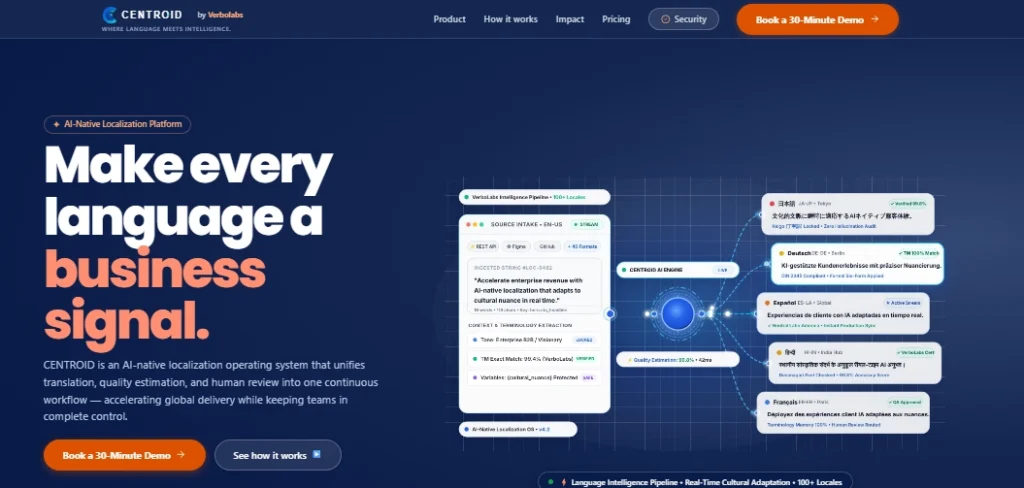
VerboLabs’ CENTROID is an AI-driven localization platform for companies working with multilingual content. The emphasis is on translation done in accordance with context, quality control, jargon, and proofreading.
Why CENTROID by VerboLabs Fits Product Teams
For teams aiming to incorporate AI-driven translation into their activities, CENTROID is a good option. According to its job description, the platform includes a common workspace for editing the translation, creating projects, doing terminology-related work, and proofreading.
CENTROID: Features, AI and Quality
As per the platform’s description published on its website, it provides suggestions based on AI, MQM-based quality evaluations, and glossary support. It also mentions security for the content and integration for continuous localization purposes.
CENTROID: Pricing and Customer Feedback
The website asks potential clients to reach out to their sales team for a demo and adds that clients should not take their public ratings for granted.
CENTROID: Limitations and Buyer Checks
Before starting to use any platform’s services, make sure that it aligns with the needed software format and/or Git workflow. Make sure that a demo is scheduled to verify the integrations with the repository as well as working with branches.
2. Phrase Strings – Key-Based Software Localization
Why Phrase Strings Fits Product Teams
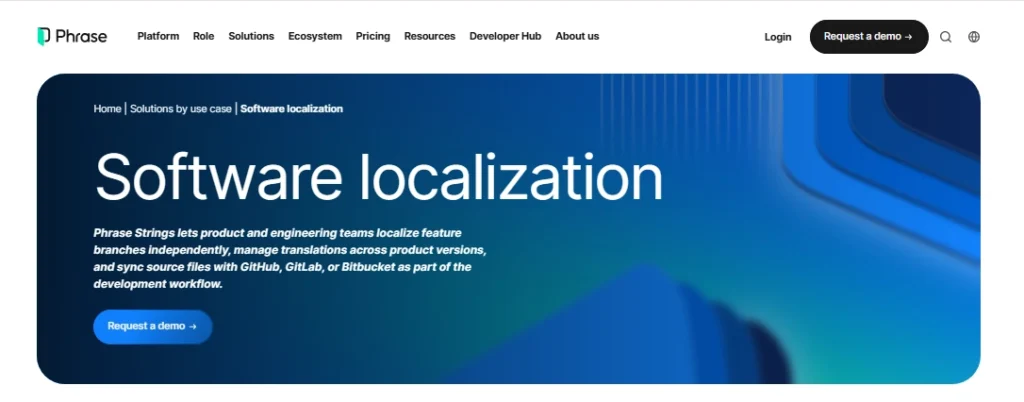
For development teams that wish to integrate localization with their software development process, Phrase Strings is an apt choice.
Phrase Strings: Features, AI and Quality
In addition, Phrase Strings offers multiple key-based editing, various workflows such as API and CLI, Git support, and automated quality assurance capabilities. Its documentation thoroughly examines the guidelines about checks, placeholders, missing variables, and limitations of content length.
Phrase Strings: Pricing and Customer Feedback
Phrase will provide different plans to users, one of them being the Software UI/UX plan. The pricing page comes with options regarding plans, capacities, seats, or limitations of a product.
Phrase Strings: Limitations and Buyer Checks
One of the prerequisites for GitHub synchronization is that the configuration and repository permissions should be properly set up. Users are encouraged to check how branches and pull requests are processed and how their formats change.
3. Lokalise – Design-to-Development Coordination

Why Lokalise Fits Product Teams
It is important for product teams that require a common space for designers, developers, and translators to work with variable text in user interfaces.
Lokalise: Features, AI and Quality
The localization platform Lokalise has capabilities for GitHub file transfers, enabling automatic file pulls and pull requests for translated files. The localization platform also provides an explanation of the relationship between repository branches and Lokalise branches in its documentation.
Lokalise: Pricing and Customer Feedback
Pricing on the localization platform varies depending on the selected plan, usage, and required features. Therefore, check the current prices above all, and check the size of the team as well as languages and integrations.
Lokalise: Limitations and Buyer Checks
According to Lokalis, its branches are established for localization purposes, but they do not completely substitute Git branches, as suggested in their documentation.
4. Crowdin – Collaborative Developer Localization
Why Crowdin Fits Product Teams
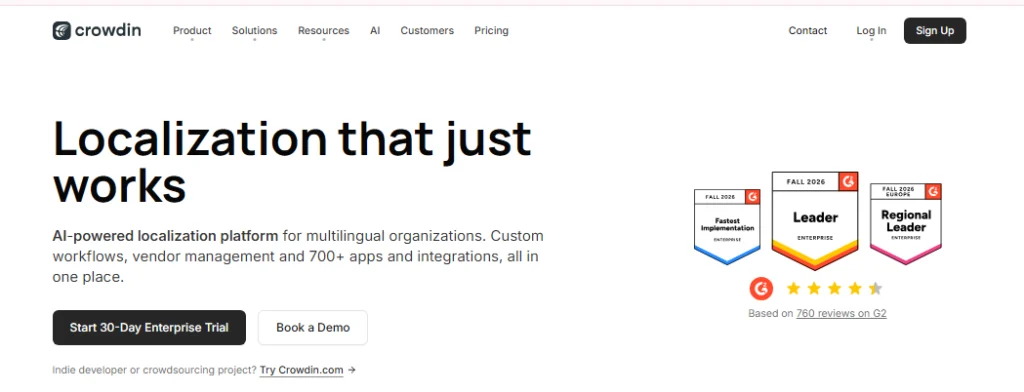
It could be an option preferred by teams looking for translation tasks related to a repository rather than having to operate language files autonomously.
Crowdin: Features, AI and Quality
The integration of Crowdin with GitHub allows you to synchronize the different types of files needed for your project. Once the translations are approved, they can be sent back to the repository as a part of the localization branch.
Crowdin: Pricing and Customer Feedback
Crowdin has several pricing schemes available depending on the kind of project and the size of the team. You can visit the pricing page of the site for more information on the project limits.
Crowdin: Limitations and Buyer Checks
The integration procedure varies based on whether or not your project is file-based or string-based. You need to make sure that you have selected the correct mode to determine the effects of commits on your build process.
5. Transifex – Continuous Localization for Product Teams
Why Transifex Fits Product Teams
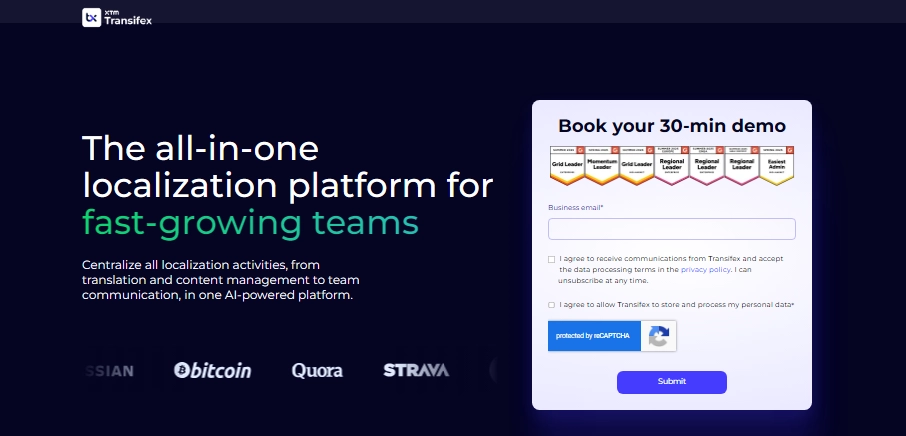
This could be a good fit for SaaS firms that frequently issue updates and are looking for solutions to lessen manual file transfers between their engineers and linguists.
Transifex: Features, AI and Quality
Transifex offers GitHub integration, command-line interface (CLI), application programming interface (API), and webhooks. Its Native solution is built on a software development kit (SDK) which allows sending application content for translation without the use of a file-based method.
Transifex: Pricing and Customer Feedback
Pricing is contingent upon the number of translations and size of team. As indicated by the vendor, GitHub integration is a part of the plans, but customers must verify limits and the subscription process.
Transifex: Limitations and Buyer Checks
Decide on either a file-based workflow or Native workflow depending on your application structure. Get confirmation about translation checks and publication prior to testing the SDK or setting up the repository in the programming environment.
6. Smartling – Enterprise Software and Content Programs
Why Smartling Fits Product Teams
The subject of localization becomes even more critical when working with multiple teams, repositories, and approval levels.
Smartling: Features, AI and Quality
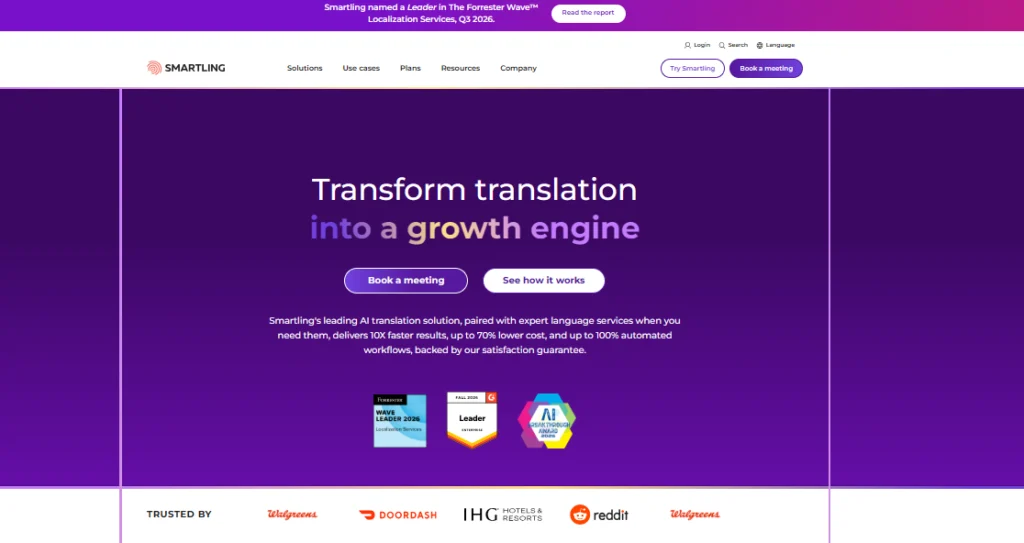
With Smartling’s GitHub Connector, it is possible to track selected repositories and branches, send updated files for translation, and obtain the translated content back in the development process.
Smartling: Pricing and Customer Feedback
Smartling has an enterprise-oriented pricing system. Speak to Smartling representatives to find out the exact cost based on the languages and volume of content, and the required connectors & workflow.
Smartling: Limitations and Buyer Checks
Repository connections need parameter settings to ensure connectivity. You must check if the needed connectors match your delivery options, branch configuration, and the practicalities of the hosting environment. Smartling has resources on various Git repositories, including GitHub, and its API connections.
7. XTM Cloud – Enterprise Translation Around Product Releases

Why XTM Cloud Fits Product Teams
This will probably work well for large companies that need translation project management and software localization as part of a broader enterprise effort.
XTM Cloud: Features, AI and Quality
Using Rigi, developers can upload file resources, create HTML previews, and let translators see the content in context. The completed resource files can then be downloaded and submitted back into the code using a pull request.
XTM Cloud: Pricing and Customer Feedback
XTM has a specific price that is customized for each customer’s needs, specifications, and localization projects, and it is incumbent on the buyer to make their quote request.
XTM Cloud: Limitations and Buyer Checks
Both XTM and Rigi serve the same function but for different purposes. It is important to know which product works on which section of the process, how the resources are coordinated, and whether the preview production mechanism can fit into the application.
8. Localazy – Developer-Owned Localization Automation
Why Localazy Fits Product Teams
It makes sense to think about when a developer is looking for adequate control over transferring language file sets between any localization platform and repository.
Localazy: Features, AI and Quality
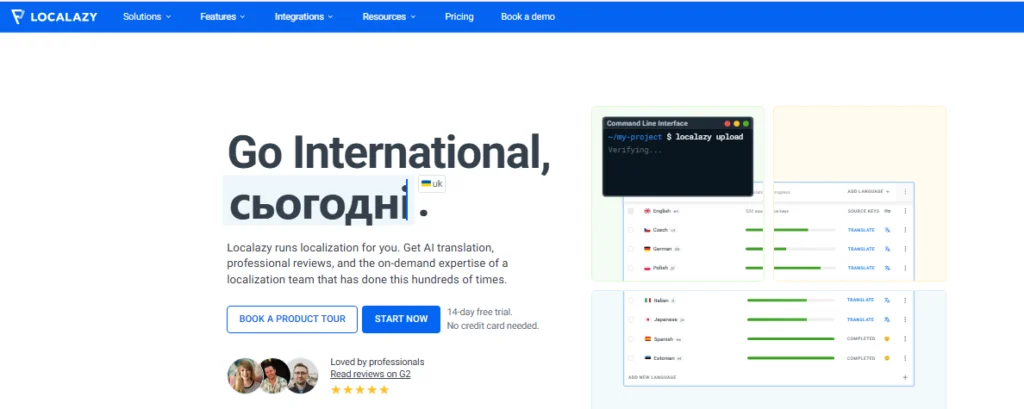
This command-line interface includes functions to upload files, download translations, integrate with small updates and tags, as well as operate with project branches. Documentation also explains how to handle conflicts when merging branches.
Localazy: Pricing and Customer Feedback
Pricing features depend on a plan and project requirements. The number of branches also influences the limitation on source keys, so companies should factor this while estimating costs.
Localazy: Limitations and Buyer Checks
Before implementing the command-line interface, it requires configuration and involvement of developers. It is worth testing how changed files, renamed keys, or translation conflicts work before accessing it through the production release.
9. POEditor – Lean Resource-File Collaboration
Why POEditor Fits Product Teams
It is a strong choice for smaller teams who need some translation work done without having to develop a big localization platform.
POEditor: Features, AI and Quality
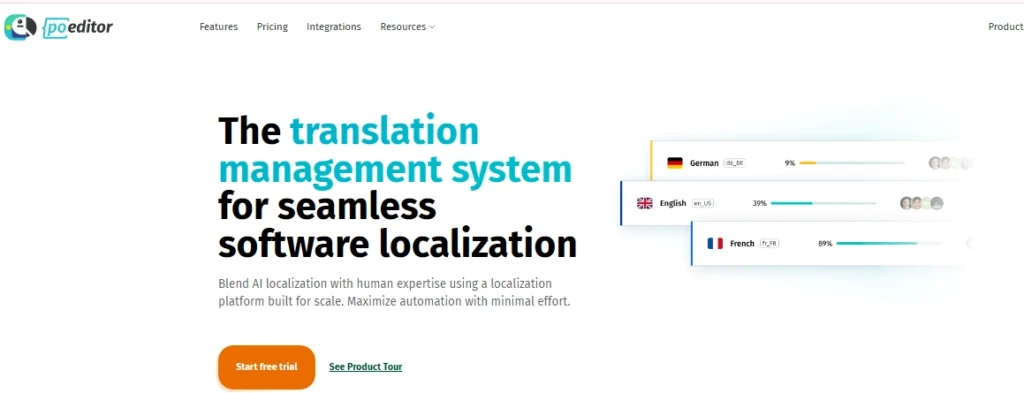
POEditor has an API that enables software teams to link their applications and take action via requests. This allows tasks such as file syncing and the creation of customized workflows.
POEditor: Pricing and Customer Feedback
POEditor has free and premium pricing plans. You can find its updated pricing options on the pricing page along with information about word, language, user, and API limits.
POEditor: Limitations and Buyer Checks
For teams with intricate branching patterns or strict release protocols, it is crucial to be prudent regarding the aforementioned needs. Be sure to ascertain which reviewer roles are present, what the limitations of the API are, and how the export process works.
10. Weblate – Version-Control-Centered Localization
Why Weblate Fits Product Teams
You might prefer it if your team has the required technical resources to adopt the solution in close integration with the rest of its software.
Weblate: Features, AI and Quality
Weblate is able to work with your repository by providing the capability to receive notifications and send translations back to your hosting system. Depending on how it is integrated, Weblate will either send translations directly to your repositories or raise a pull or merge request.
Weblate: Pricing and Customer Feedback
Weblate has both hosted and self-hosted versions. Before making a choice, make sure to compare the current prices and hosting conditions of both solutions so that you know what will be included and what you will need to maintain on your own.
Weblate: Limitations and Buyer Checks
If you opt for self-hosting, you will gain more control over the software but, at the same time, you will be responsible for applying updates, ensuring data security and performing backups.
Which Shortlist Fits Your Workflow?
| If your priority is… | Consider | Verify first |
| AI-led localization with review oversight | CENTROID | Resource-file support and release integrations |
| Key-based software localization | Phrase Strings | Branching and CI/CD configuration |
| Design-to-development coordination | Lokalise | Repository permissions and merge ownership |
| Collaborative developer localization | Crowdin | Project type and export behavior |
| Continuous localization | Transifex | Native SDK or file-based workflow |
| Enterprise software and content programs | Smartling | Repository connectors and branch rules |
| Enterprise translation with in-context previews | XTM Cloud / Rigi | Resource handoff and preview setup |
| Developer-owned automation | Localazy | CLI, branch, and release-tag limits |
| Lean resource-file collaboration | POEditor | API and reviewer controls |
| Version-control-centered localization | Weblate | Hosting and maintenance requirements |
Certain tools can operate in conjunction with one another. A company may, for instance, implement an overall TMS in conjunction with an independent localization tool for that specific software. Nevertheless, specific requirements of a product, for example, the need to support a certain format or branch, should be taken into consideration as requirements.
What Should Your Vendor Pilot Prove?
Select one real SaaS onboarding flow for each selected platform. Incorporate ICU plural words, variables, images, and change the source branch.
Verify whether the application can:
- Import the right files properly.
- Connect the translation with the appropriate key and context.
- Maintain the rules for plurals and placeholders.
- Separate production files from feature branch files.
- Return the files to the correct branch.
Monitor the number of corrupted strings, the wrong file in any feature branch, and how long the release issue has waited for release.
Contact each vendor and ask them to find out what occurs with the approved translation when the source key or context changes, or the branch changes, and whether the release owner may cause the export to be blocked.
Use the same files and criteria for every test. Write down results and problems encountered.
Final Recommendation
There is no single tool for software localization for every B2B solution team. The tool depends upon the codebase in use, release mechanism, format of input resources, strength of the team, as well as the extent to which the process works automatically.
If the organization is looking for AI-based localization, then VerboLabs’ CENTROID should be considered. It is better to see a demonstration, including screenshots and actual resources and the release process, before confirming its compatibility with the software pipeline.
The ideal solution is the one that provides already-tested translations to the new version of the business without extra work for the developers. In order to test VerboLabs’ CENTROID solution, the demo has to be conducted for localization.

Expand your global reach with VerboLabs! Get accurate, culturally adapted localization services to connect with new markets. Contact us today for expert solutions!
Frequently Asked Questions
The development teams normally employ one of the repository-connective technologies such as database integration, application programming interface (API), command-line interface (CLI), or software development kit (SDK). The developers submit the source texts to the localization platform, where they are translated and reviewed before being sent back.
Internationalization will need to be implemented in the application code itself. The developers must localize all of the required aspects of the product, including language, character set,
date format, currency, and pluralization rules.
Test the actual file formats utilized by the product at hand, such as JSON, YAML, XML, PO, XLIFF, Android XML, or iOS strings. Include placeholders, ICU messages, plural forms, and special characters in the testing process.
Carry out automated checks before the export and ensure that serious issues prevent the export from being completed. Perform resource file tests in a real application rather than just in the localization editor.