
To illustrate the problem, consider the situation where a language department has received a locked package belonging to a client, a TBX glossary, and a significant amount of TM from a previous project. The translators work on different operating systems, and the final output has to be a clean bilingual package for the client’s reviewer.
In light of the above situation, this guide provides a list of ten available options for localization managers, internal translation teams, and LSPs, outlining workflow processes, the possibility of using the same assets, and delivery options for the clients.
- CENTROID by VerboLabs. This is a candidate for an AI translation workbench. The need to check FIT of CAT and package exchange must be identified.
- Trados Studio. One of the best options available for CAT editing on the desktop.
- memoQ TMS. This tool is ideal for collaborative CAT production.
- Phrase TMS and Smartcat. These are both browser-based tools that feature translation editing and other functional capabilities.
- Wordfast Pro, Crowdin, Lokalise, OmegaT, and CafeTran Espresso. There are options to fit different desktop, cloud, product localization, and open-source needs.
Compare the 10 Options by Buying Requirement
| Platform / Category | Pricing Basis | Main Buyer Check |
| CENTROID | Cloud AI localization workbench | Contact sales |
| Trados Studio | Desktop CAT with cloud options | Subscription; professional pricing |
| memoQ TMS | Collaborative CAT and TMS | Subscription/custom plans |
| Phrase TMS | Browser-based CAT within a TMS | Subscription/custom plans |
| Smartcat | Cloud AI-assisted translation | Custom plans and usage allowances |
| Wordfast Pro | Cross-platform desktop CAT | License-based |
| Crowdin | Collaborative browser editor | Free and paid plans |
| Lokalise | Product localization platform | Subscription/custom plans |
| OmegaT | Open-source desktop CAT | Free |
| CafeTran Espresso | Desktop CAT | One-time or annual license |
What Should B2B Translation Teams Look for in a CAT Tool?
CAT Tools Versus Machine Translation and TMS
A CAT tool is a working environment for translators. It features segment editing, translation memory, terminology, and quality checks. Machine translation generates translations automatically. The translator reviews and edits this output, but the output of the machine translation is unavailable for the translator to see and approve. The translation management system manages the entire project workflow and processes, including file reception, assignments, deadlines, permissions, and approvals.
Translation Memory and Terminology Reuse
The translation memory contains the data of all past translations. Whenever the same text comes back, the memory finds the translation stored earlier. The specialized database with approved terms is called a glossary. Fuzzy matches, context matches, concordance search, term lookup, and safe updates are to be used in the work.
Bilingual Editing, Tags and File Exchange
It is important for the software to facilitate easy switching between the source and target segments, processing tags, making comments, and tracking changes. Moreover, make sure that the software supports the bilingual formats that your customers use, such as XLIFF or custom packages. However, a successful import is not sufficient.
QA, Review and Collaboration
Quality assurance should involve verification of errors like missing translations, wrong figures, inconsistent terminology, or absent tags. In team projects, one should check permissions, access for reviewers, comments and task statuses, and approval history.
Licensing, Deployment and AI Controls
Analyze desktop vs. browser usage, OS support, offline availability of service, number of users, facts about shared resources used, as well as service pricing. In the case of AI or MT provided, check with the vendor whether software engines are used, whether any limitations exist, whether any client data settings apply, and whether human reviewers are used.
How Did We Evaluate the Shortlist?
This is a desk analysis that short-listed the products based on the official information provided by the respective vendors and relevance to the B2B translation industry. No testing was done.
The analysis includes translation memory, editing, terminology, exchange of files and QA, collaboration, licensing, and AI controls. The descriptions provided by vendors were treated as claims of product quality but not as performance proofs for all clients.
The 10 Best CAT Tools and AI Translation Workbenches for B2B Teams
1. CENTROID by VerboLabs – AI Translation Workbench Candidate
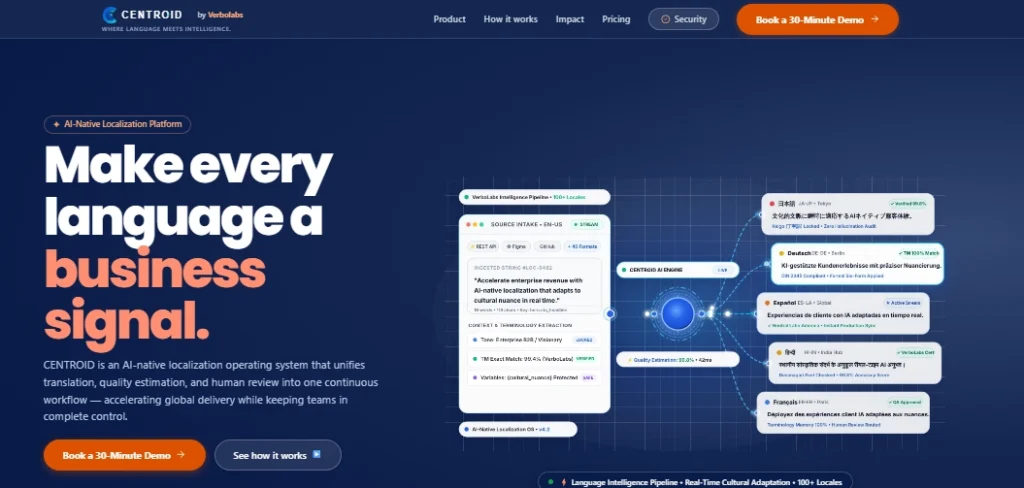
The AI-powered translation management system named Centroid from VerboLabs is GAI-enabled and offers assistance with geography-based translation tasks, alongside various important job processes such as reviewing content for quality and resolving problems regarding the terminology used.
Why CENTROID by VerboLabs Fits Translation Teams
Organizations that want to take advantage of a centralized workflow of GAI-supported localization processes will find Centroid useful. According to VerboLabs, the functions provided by Centroid may include editing translations, building projects, experimenting with terminology, assessing quality, and collaborating.
CENTROID: Features, AI and Quality
The actual capabilities of the Centroid system include the use of GAI for unambiguous suggestions relevant to the context of translation processes, that is, editing translated content, employing MQM-like approaches for evaluation of the quality of translated output, and applying terminology control methods in addition to conducting human reviews.
CENTROID: Pricing and Customer Feedback
The official website of Centroid presents the benefits observed in the use of Centroid for performing translation tasks, along with reference to advanced analytical capabilities related to terminology search.
CENTROID: Limitations and Buyer Checks
The official website contains information about the possibility of trying out the functions of the product. However, its GAI capabilities do not eliminate the need to check your TM and TM-related features used for translation tasks.
2. Trados Studio – Desktop CAT Control
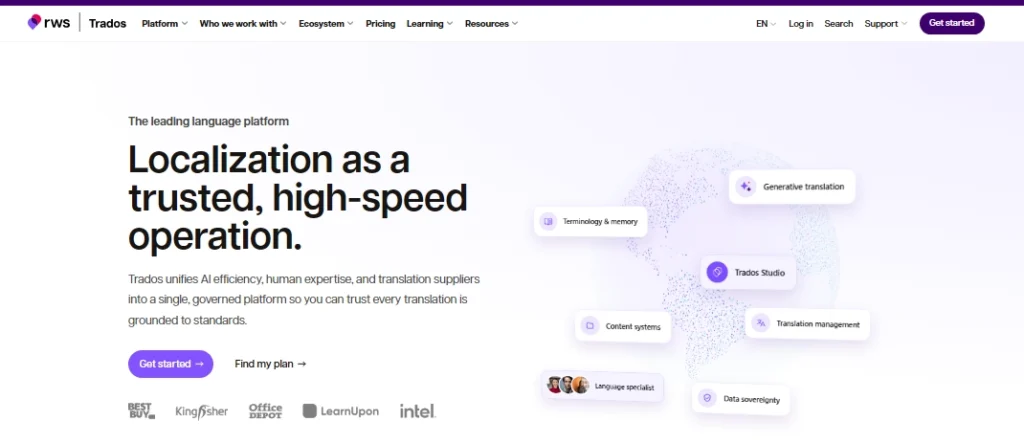
Why Trados Studio Fits Translation Teams
It should be noted that when translators routinely deal with structured documents sent by clients, there is a need to reference previously approved translations. RWS has very similar cloud and collaborative solutions. For this reason, it is important to understand what the desktop version really is in relation to the entire Trados ecosystem.
Trados Studio: Features, AI and Quality
The capabilities include translation memory, terminology management, machine translation, and generative translation, among other things.
Trados Studio: Pricing and Customer Feedback
There are subscription packages available based on the type of product and type of user. Professional users should inquire about the terms of business pricing.
Trados Studio: Limitations and Buyer Checks
Make sure to check what features are included in the selected license and whether the process of cloud collaboration requires any additional product. Test how precisely the document in question will look right after being processed.
3. memoQ TMS – Collaborative CAT Production
Why memoQ TMS Fits Translation Teams
This application is an adequate choice for LSPs or internal teams that seek a collaborative environment and a reliable way of carrying over projects.
memoQ TMS: Features, AI and Quality
The features of memoQ also include translation memories, term bases, document reusability, and a built-in quality assurance system. Furthermore, the company also offers something else that can work as an AI translator or even as a desktop CAT tool.
memoQ TMS: Pricing and Customer Feedback
As mentioned on the official pricing page, memoQ has a Starter plan available, while customers can reach out to the sales department if they need more advanced subscription options. People can also find information on a 14-day trial of the Starter plan.
memoQ TMS: Limitations and Buyer Checks
Do not forget to check how many project managers and linguists are included, what type of hosting is available, and what permissions they get for reviewing processes. Also, you will have to ask how the existing translation memories and glossary references will be utilized in the course of the project.
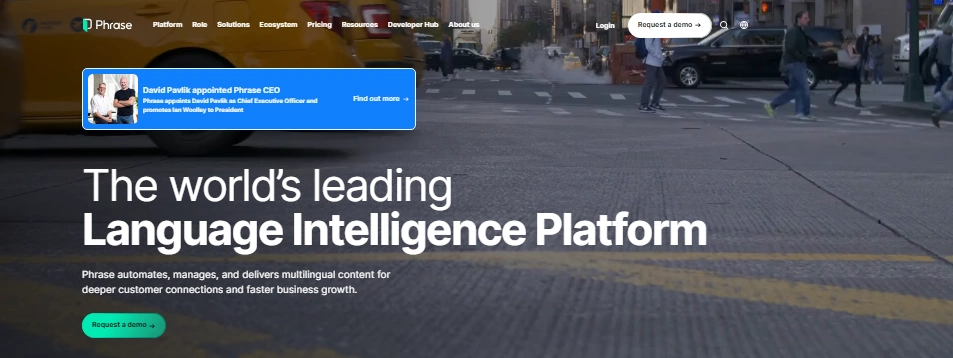
4. Phrase TMS – Browser-Based CAT Within a TMS
Why Phrase TMS Fits Translation Teams
Organizations that handle multilingual projects and rely on several collaborators should pay attention to some aspects.
Phrase TMS: Features, AI and Quality
The official description of the product contains services such as CAT, quality assurance, translation memory for translations, glossaries, and machine translation functions.
Phrase TMS: Pricing and Customer Feedback
The final price is determined by various products and plans: there is a plan named Freelancer, and there are other business plans with specific prices.
Phrase TMS: Limitations and Buyer Checks
Make your checks regarding word limits, machine translation possibilities, availability of AI tools, compatibility with other systems, and access rights.
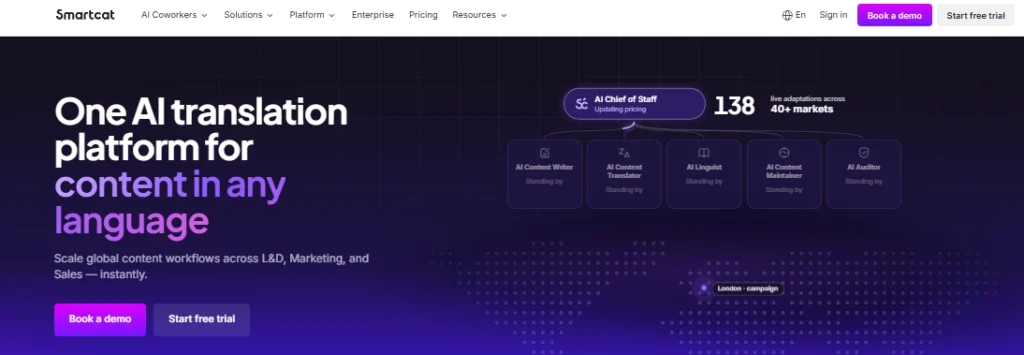
5. Smartcat – Cloud AI-Assisted Translation Workflows
Why Smartcat Fits Translation Teams
This provides an ecosystem for translation editing as well as linguistic asset repurposing.
Smartcat: Features, AI and Quality
The editor has translation memory, AI translation, glossary suggestions, comments, quality assurance, and revision history.
Smartcat: Pricing and Customer Feedback
Smartcat provides plans for both small teams and corporate users. The pricing page indicates that workspace and allowance options depend on which plan is chosen.
Smartcat: Limitations and Buyer Checks
Find out how customer-specific glossaries and memories are divided, who controls shared resources, and how the translations are approved by reviewers. It is essential to understand the usage restrictions regarding AI content as well as the data rules prior to uploading sensitive materials.
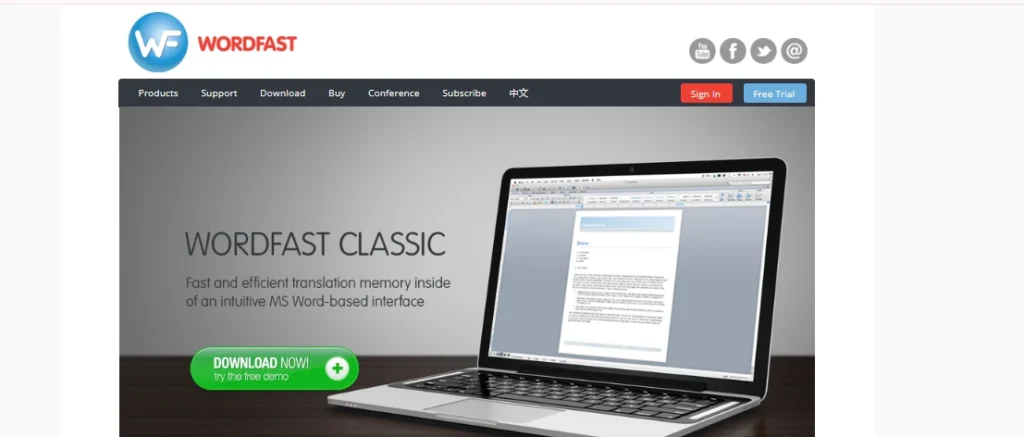
6. Wordfast Pro – Cross-Platform Desktop TM Workflows
Why Wordfast Pro Fits Translation Teams
It is advisable to take into account the necessity of desktop publishing and compatibility with different clients.
Wordfast Pro: Features, AI and Quality
The vendor is listing translation memories, glossaries, segment filters, machine translation integration, QA, and export/import of packages. It also indicates TMX and TBX support.
Wordfast Pro: Pricing and Customer Feedback
Wordfast does not promote licensed purchase-based payments, meaning that there is no automatic process that involves payment every time a new product is bought. Make sure you check out the current checkout price as well as licensing conditions for purchasing.
Wordfast Pro: Limitations and Buyer Checks
The vendor indicates an operating system compatibility issue for macOS. Thus, the teams should verify their OS and check if the package can be exchanged before making a purchase.
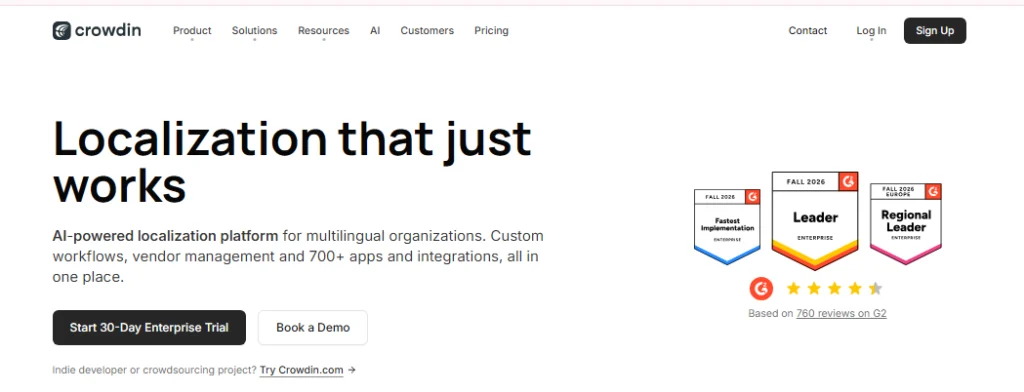
7. Crowdin – Browser CAT Work in a Collaborative Platform
Why Crowdin Fits Translation Teams
It is ideal for groups that require the translators and the reviewers to cooperate in an environment with a common context and resources for various projects.
Crowdin: Features, AI and Quality
This tool offers capabilities for translation memory, automatic translation, and different machine suggestions, comments, and terms, as well as online review.
Crowdin: Pricing and Customer Feedback
Crowdin presents a number of pricing options for businesses and smaller projects. Therefore, it is recommended to examine the price list for specific limits on users, projects, and usage.
Crowdin: Limitations and Buyer Checks
The company’s localization process cannot be used as the only alternative for the translation process and everything about the translation environment. You can try client files as necessary and check your final bilingual deliverables.
8. Lokalise – Product-Team Translation Editing
Why Lokalise Fits Translation Teams
This is probably suitable for project managers, programmers, and localization groups who work with changing interface texts.
Lokalise: Features, AI and Quality
It covers things such as translation memory, glossaries, workflow automation, and AI and MT integration.
Lokalise: Pricing and Customer Feedback
Explorer, Growth, and Advanced pricing plans are in place, while Enterprise pricing can only be obtained from the sales team.
Lokalise: Limitations and Buyer Checks
The key part of the platform’s workflow is product localization, so if your team is dealing with large amounts of bilingual documentation, please take the time to check requirements separately instead of just taking them as CAT-compatible.
9. OmegaT – Open-Source CAT with Internal Ownership
Why OmegaT Fits Translation Teams
This software application can be suitable for self-employed translators and smaller groups that have enough skills to control their work process and files.
OmegaT: Features, AI and Quality
It is reported that useful functionalities of OmegaT include fuzzy matching, various translation memories and glossaries, collective translation functions, as well as support for different formats such as TMX and XLIFF. OmegaT can also be integrated with any other translators’ services.
OmegaT: Pricing and Customer Feedback
The application is distributed under the GPL license and can be used without the need to pay license fees. At the same time, internal support and administration become time-consuming and expensive.
OmegaT: Limitations and Buyer Checks
Check file-format compatibility, team setup, and the level of technical support your organization needs. Test the actual client package rather than assuming every format will work without extra preparation.
10. CafeTran Espresso – Desktop CAT Across Client Packages
CafeTran Espresso is a CAT tool that operates on a desktop system and is meant for translators working for various clients or in changing environments. This tool has its benefits if you need flexible editing and compatibility with different CAT applications.
Why CafeTran Espresso Fits Translation Teams
The vendor is very precise in explaining how the tool can take jobs from clients using Trados, memoQ, Wordfast, and other CAT tools.
CafeTran Espresso: Features, AI and Quality
Its promised functions include translation memory, machine translation and AI integration, smart autocomplete, and a customizable interface.
CafeTran Espresso: Pricing and Customer Feedback
The official site of the tool mentions an annual subscription price of €80 and a one-time fee of €200. The free version has some limitations regarding TM size and glossary entries.
CafeTran Espresso: Limitations and Buyer Checks
The licenses are issued for each particular computer; hence, teams that use multiple devices may need to consult licensing conditions. Test the exact software package, as well as the tags applied and the changes made by the reviewer, before putting it to actual use for clients.
Which Shortlist Fits Your Workflow?
| If your priority is… | Consider | Verify first |
| AI translation workbench | Centroid | CAT features and package compatibility |
| Desktop CAT control | Trados Studio | License and client-package round trip |
| Collaborative CAT production | memoQ TMS | Reviewer access and shared assets |
| Browser CAT within a TMS | Phrase TMS | Plan limits and editor requirements |
| Cloud AI-assisted workflows | Smartcat | Asset separation and human review |
| Cross-platform desktop TM | Wordfast Pro | OS compatibility and package exchange |
| Browser-based collaborative CAT | Crowdin | Document delivery requirements |
| Product-team translation editing | Lokalise | Document CAT compatibility |
| Open-source CAT | OmegaT | Internal support and file handling |
| Desktop CAT across client packages | CafeTran Espresso | Tags and round-trip accuracy |
The tools in question are not always interchangeable. In fact, in some instances, one tool may serve as a complement to another; for example, if the company uses one software for its project management and another tool for professional document editing. Nevertheless, hard requirements imposed by the client must rule out the candidate until the team has proved that it can meet these requirements.
What Should Your Vendor Pilot Prove?
Prior to the selection, make sure that each of the shortlisted vendors is given the same materials for testing:
- The package is for one customer who speaks both languages.
- The translation memory representative.
- TBX glossary with the terms set.
- A selection of documents that include protected content and formatting tags.
- The reviewer assignment requires making a number of comments and changes.
- An offline requirement if necessary.
Keep track of how well each vendor copes with the materials you provided: return of the package, mistakes made in tags, loss of assets, reviewer job done, and the administrator’s involvement. Use the same files and criteria for assessment for all vendors.
It is important to ask each vendor if they are able to send back something like our package once the review is done and all changes applied.
Do not claim any results until you get the detailed results of the test.
Final Recommendation
It is impossible to find a universally perfect CAT tool for all translation teams. The final choice will depend on client requirements regarding deliveries, size of TM, terminology needs, operating systems, possible collaboration, and level of AI assistance.
Trados Studio, memoQ, Wordfast Pro, OmegaT, and CafeTran should be taken into account when it comes to the desktop CAT tools. Phrase, Smartcat, Crowdin, and Lokalise are known for their web-based or product-localization workflows. CENTROID by VerboLabs is worth paying attention to when looking for AI-based localization tools, but you still have to find out whether it meets the requirements of a certain traditional CAT tool.
Don’t forget to trial the software with the bilingual files, the translation memory, and terminology resources you have before making a choice. You can always ask VerboLabs for a demo of their CENTROID workbench, as it could help you see how this software works in practice.

Expand your global reach with VerboLabs! Get accurate, culturally adapted localization services to connect with new markets. Contact us today for expert solutions!
Frequently Asked Questions
A CAT tool enables translators to use bilingual text, translation memories, terminology, and editing functions. Machine translation generates translated text without human help. While many CAT tools offer machine translation suggestions, the human translator is still responsible for the end result.
Not necessarily; a small team with a straightforward process may only require a CAT editor. On the other hand, larger companies that deal with many clients, linguists, projects, approvals, and reports may need a TMS. Check the selected tool to see what project management features it offers.
Yes, there are many tools that allow for TMX import and export. However, simply having support for a file type does not mean that all details are going to transfer correctly. Before import or export, make sure to test a sample of real data and check for metadata, context, match information, and terminology.
An AI workbench will be effective if the software incorporates elements for editing, terminology, TM, QA, and review. In addition, a buyer needs to evaluate the file exchange capabilities and check how client information is handled.