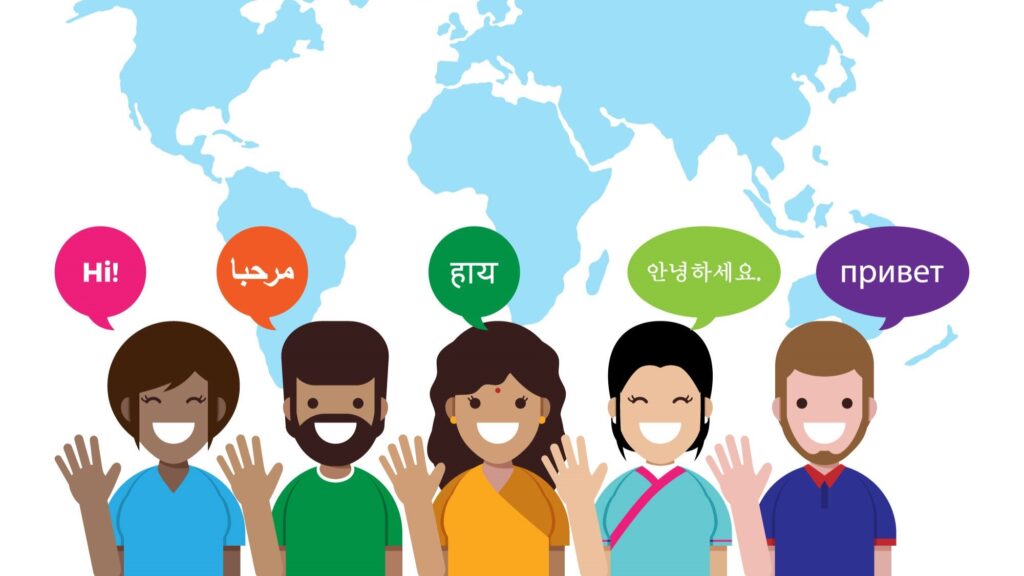

In 2026, having a multilingual WordPress website isn’t optional; it’s essential. As businesses compete in the global market, website translation has become a key factor in improving user experience, increasing engagement, and boosting conversions.
But website translation isn’t just about converting text from one language to another. To truly connect with international audiences, you must understand the difference between translation and localization, choose the right workflow, and implement a process that drives growth, not just global reach.
In this blog, we’ll walk you through how to translate your WordPress website the right way, from planning and tools to quality assurance, testing, and scaling, with clear, practical steps at each stage.
The Difference Between Translation and Localization
Before we begin, it is important to clearly define two terms that are often confused.
- Translation: Converting content from one language to another while preserving meaning.
- Localization: Adapting content for cultural relevance (currency, date formats, idioms, visuals, SEO keywords, legal requirements, etc.).
Many companies believe that translation alone is enough. However, without localization, users may feel disconnected or misunderstood. For example, changing “flat” (UK) to “apartment” (US) is not just translation—it is localization. It reflects how people in different regions search, speak, and understand information.
For a truly global impact, it is important to consider both options. Professional companies like VerboLabs specialize in providing localization services and website translation services to help businesses reach international audiences effectively.
Why WordPress Website Translation Matters
Before we move to the process, it is important to understand why this topic is currently trending on Google, Reddit, and various Q&A platforms.
Common questions people are asking include:
- “Should I translate or localize my WordPress site?”
- “What are the best plugins to translate WordPress without affecting the design?”
- “How can I maintain SEO while translating content?”
- “What is the difference between website translation and localization?”
These questions show that translation is not just about converting text into another language. It also affects user experience, search engine rankings, and overall brand credibility.
Step 1: Define Your Global Audience & Content Scope
Before you touch a plugin or file, create a translation plan.
🔹 Ask These Questions
- Which countries or regions matter most?
- What languages should we support first?
- Which parts of the site must be multilingual? (Pages, blog, product descriptions, forms, emails)
- What content is most visited or most valuable?
- What are our localization goals? (Cultural adaptation, SEO, conversions, compliance)
🔹 Prioritize Content
Not all content should be translated immediately.
Prioritize:
- High-traffic pages
- Sales & conversion pages
- Checkout & support pages
- Legal & compliance info
This strategic planning ensures you get the most ROI out of translation efforts.
Also read,
- What is Website Translation And Website Localization?: Explained
- Discover the Benefits of Website Localization Services
- 5 Best Website Translation Services Companies
Step 2: Choose the Right Translation Strategy
There are 3 main approaches:
1. Machine Translation (MT)
- Quick and cheap
- Best for internal or non-customer-facing content
- Can be inaccurate or unnatural
Not recommended for final public content without review.
2. Human Translation
- Professional linguists
- Accurate and culturally appropriate
- Best choice for SEO, brand voice, messaging
This is far better than machine translation alone.
3. Hybrid (Machine + Professional Post-Edit)
- Speed of MT + accuracy of human review
- Cost-effective balance
However, it requires expert linguists to properly post-edit content.
For business-critical sites (eCommerce, SaaS, support), human или hybrid with quality control is ideal.
WordPress websites are typically translated using three approaches: plugins, human translation, or AI-based tools. Plugins offer convenience, AI provides speed, and human translation ensures accuracy. However, without localization and SEO adaptation, even the best tools fall short.
This is exactly why clients choose VerboLabs’ comprehensive translation and localization process.
Step 3: Pick the Right Tools & WordPress Translation Plugin
People on search forums and Reddit often ask:
“Which plugin is best for translating WordPress?”
Here are popular options:
Popular Plugins
- WPML
- Polylang
- TranslatePress
- Weglot
- MultilingualPress
Each has pros and cons related to:
- SEO performance
- Ease of editor workflow
- Compatibility with themes and page builders
- Localization flexibility
Plugin Setup Tips
- Always use plugins that support SEO-friendly URLs (e.g., example.com/fr/)
- Avoid plugins that depend on JavaScript rendering for core content, as it can harm SEO
- Prefer plugins that allow string translation (menus, widgets, admin labels)
Step 4: Exporting Content for Professional Translation
It is not recommended for translators to work directly in the WordPress editor because it is inefficient and prone to errors.
Best Practice Workflow
- Export content (post titles, body, metadata, slugs)
- Deliver files in a structured format (XLIFF, CSV, MSG, JSON)
- Allow translators to use CAT tools (Trados, MemoQ, SmartCAT)
CAT tools ensure:
- Terminology consistency
- Translation memory reuse
- Faster delivery
Professional services like VerboLabs’ website translation services handle these steps for you, from extracting text to QA review.
Step 5: Localizing SEO for Each Language
People Also Ask:
“How do I keep SEO when translating content?”
This is one of the biggest concerns for global sites.
When translating a WordPress website, SEO success depends on localization—not just language conversion. Search engines evaluate relevance based on user intent, regional search behavior, and localized signals. This is why multilingual SEO requires more than direct translation.
- Hreflang implementation helps search engines understand which language or regional version of a page to show to users. Without proper hreflang tags, translated pages may compete with each other in search results or appear in the wrong region.
- Translated and localized metadata is equally important. Meta titles, descriptions, image alt text, and URL slugs should be rewritten for each language, not copied or directly translated. Localized metadata improves click-through rates because it matches how users actually search in that language.
- Local keyword optimization is where translation and localization differ most. Keywords that perform well in English often do not match search behavior in other regions. Localization adapts content to region-specific terms, phrasing, and intent—ensuring translated pages rank for the right searches, not just translated words.
Together, hreflang accuracy, localized metadata, and region-specific keywords ensure your WordPress website remains discoverable, relevant, and competitive across international markets.
SEO Checklist for Translated Sites
- Use hreflang tags
- Create language-specific meta titles & descriptions
- Translate alt text for images
- Localize SEO keywords (not just translate)
- Ensure XML sitemap includes all language URLs
- Avoid duplicate content issues
Localization matters because direct translation of keywords is often not sufficient. For example, “best coffee shop” in English may not reflect the actual search terms used in Spanish or Japanese. This is why keyword research combined with proper localization requires human expertise.
Step 6: Quality Assurance & Linguistic Testing
After translation, QA is essential.
Linguistic QA Tasks
- Spelling and grammar
- Tone and voice consistency
- Cultural relevance
- UI and layout checks (text length, RTL/LTR issues)
Functional QA
- Broken links
- Navigation usability
- Form validation
- Broken layouts due to text expansion
Machines cannot catch all of these; trained linguists and testers must verify them.
Professional localization workflows like VerboLabs’ include multi-stage QA to ensure quality across languages.
Step 7: Post-Launch Monitoring & Iteration
Content translation is not a one-time task; it requires ongoing effort.
Key performance metrics to track:
- Organic traffic by language
- Bounce rate per localized page
- Conversion rates by region
- CTR on localized SERPs
If a language version underperforms, revisit:
- Messaging
- Cultural adaptation
- Keywords
This continuous improvement model drives long-term international growth.
Common Translation Mistakes to Avoid
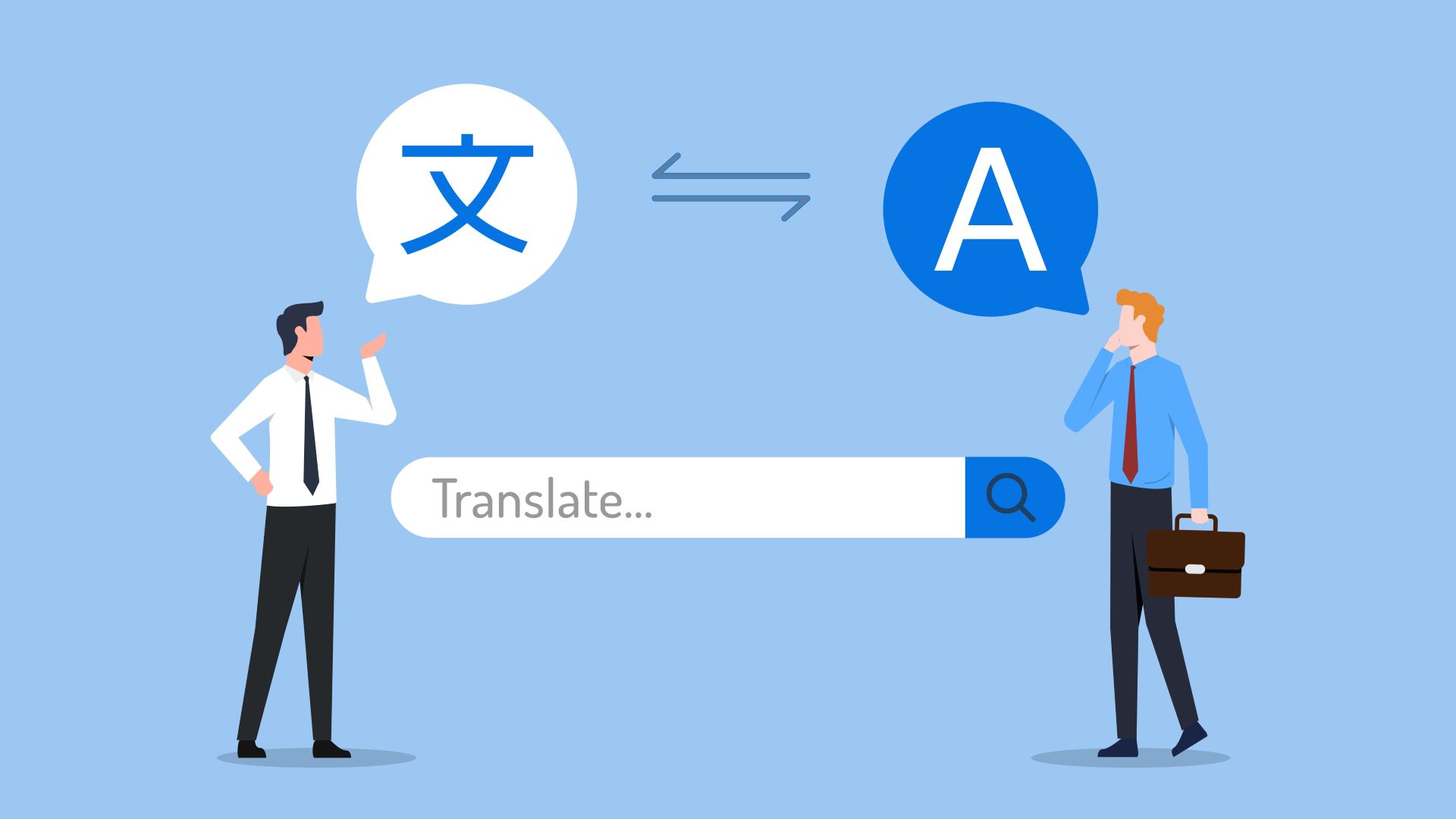
Many businesses struggle with multilingual WordPress websites not because of tools—but because of process gaps. Based on common issues discussed in forums and real-world projects, these mistakes appear most often:
- Relying only on direct translation – Word-for-word translation ignores cultural tone, user intent, and local expectations, leading to content that feels unnatural or confusing.
- Ignoring SEO elements during translation – Failing to translate meta titles, descriptions, alt text, and URL slugs often results in poor rankings or duplicate content issues.
- Not localizing keywords – Using translated keywords instead of region-specific search terms prevents pages from ranking for how users actually search.
- Skipping UI and layout checks – Translated text can expand or contract, breaking layouts, buttons, or navigation if not tested properly.
- Forgetting non-visible content- Forms, pop-ups, error messages, system notifications, and checkout flows are often missed, creating a fragmented user experience.
- Launching without linguistic and functional QA – Without review and testing, even accurate translations can contain tone issues, formatting errors, or broken links.
Avoiding these mistakes ensures your translated WordPress website feels native, performs well in search, and delivers a consistent experience across languages.
In short, Reddit and developer forums warn about these frequently:
- Translating UI text directly in HTML
- Ignoring locale formatting (dates, currency)
- Not duplicate-proofing SEO metadata
- Using on-page translation instead of the CMS workflow
- Ignoring legal translation requirements
Avoiding these mistakes saves time, money, and brand credibility.
When to Use Translation vs. Full Localization
Translation Only
- Informational text
- Internal content
- Drafts for review
Localization
- Marketing pages
- Product pages
- Checkout & pricing
- Cultural content
- Image assets and multimedia text
Localization delivers contextually meaningful experiences, not just literal interpretations.
This is the core value behind VerboLabs’ specialized localization services.
Case Example: Translating a WordPress eCommerce Site
Here’s a real-world workflow you can follow:
- Identify key product pages
- Choose target locales (e.g., FR, DE, ES)
- Extract product content with translator-ready files
- Run multilingual keyword research
- Translate & localize in parallel
- Add translated SEO metadata
- QA + test multilingual checkout
- Analyze performance post-launch
This multi-step process ensures that both translation and localization work together.
Quick Reference Checklist
Quick Checklist Before Launching a Multilingual WordPress Site
- Backup your website
- Translate menus, widgets, and forms
- Localize SEO metadata and slugs
- Test layouts across devices and languages
- Submit multilingual sitemaps to search engines
Why Businesses Choose Professional Solutions?
DIY tools and plugins can help you get started.
But if your goal is:
- Drive global revenue
- Build trust across cultures
- Maintain brand voice
- Improve search rankings internationally
- Avoid costly localization errors
Then a professional, integrated service is essential.
That’s exactly why brands partner with VerboLabs for their:
- Translation & Localization Services, from linguistic experts to strategy
- Website Translation & Localization Services, tailored WordPress support
These services ensure your site works, reads, and converts in every language you support.
Conclusion
Translating your WordPress website in 2026 goes far beyond converting text from one language to another. It is about delivering a consistent user experience, respecting cultural expectations, and enabling measurable business growth in every market you enter.
A successful website translation strategy starts with clearly defining your target regions, understanding the difference between translation and localization, selecting the right tools, and building structured content workflows. Equally important are local SEO optimization, rigorous quality checks, and continuous performance monitoring after launch.
When done correctly, multilingual WordPress websites attract the right audiences, improve engagement, and convert visitors into customers across borders.
If you want to avoid common translation errors, protect your SEO rankings, and scale globally with confidence, VerboLabs can help. Our professional website translation and localization services combine native linguists, SEO expertise, and industry-specific quality assurance to ensure your WordPress site performs seamlessly in every language.

Partner with experts to translate and localize your website for every market. Get started with VerboLabs now.
Frequently Asked Questions (FAQs)
The best way is to use a structured workflow that combines the right WordPress plugin with professional human translation and localization. This includes properly exporting content, translating SEO elements, applying hreflang tags, and running linguistic and functional quality checks before launch.
If your site targets international customers, localization is the better option. Translation converts text into another language, while localization adapts content for culture, search behavior, currency, tone, and user expectations. For marketing, eCommerce, and SaaS websites, localization delivers better engagement and conversions.
Machine translation can work for internal or draft content, but it is risky for customer-facing websites. Forum users often report issues such as incorrect tone, broken meaning, and loss of SEO. Professional human review or full localization is strongly recommended for public pages.
Yes, both positively and negatively, depending on how it’s done. Proper translation with localized keywords, translated metadata, hreflang tags, and clean URLs can improve international SEO. Poor translation or duplicate content can harm rankings.
Based on user discussions and best practices, you should always translate:
1. Core pages (Home, About, Services)
2. Product and pricing pages
3. Checkout and forms
4. Navigation menus
5. Meta titles, descriptions, and image alt text
Ignoring these areas often leads to a poor user experience.
Use a reliable multilingual plugin that supports SEO-friendly URLs and string translation. Avoid editing translations directly in HTML or using browser-based auto-translate tools. A structured CMS-based workflow reduces errors and layout issues.
You should use professional services when your website drives revenue, leads, or brand trust. Businesses expanding globally often work with providers like VerboLabs to ensure accurate translation, cultural alignment, and SEO-ready multilingual WordPress sites.