


If your organization is considering the introduction of its mobile application to the German market, it’s likely that the translation team has finished their work and the essential files have been successfully exported. However, once the app is opened, certain words might not be displayed correctly.
The following article gives an overview of ten options to consider when it comes to app localization software.
- CENTROID by VerboLabs – a candidate for location-based AI-driven app content.
- Lokalise – localization of mobile products and workflow management.
- Phrase Strings – key-based approach to mobile software localization.
- Crowdin – collaborative application localization platform.
- Transifex – ongoing localization of application content.
- Smartling – enterprise application and support localization software solution.
- Localazy – mobile resources automated by developers.
- POEditor – collaborative translation of mobile resource files.
- Weblate – localization model based on available repositories.
- Localizely – localization of web applications and mobile software.
Compare the 10 Options by Buying Requirement
| Tool | Main Fit | Pricing Approach | What to Verify |
| CENTROID | AI-led app content localization | Confirm with sales | Resource formats and technical workflow |
| Lokalise | Mobile product teams | Subscription plans | Mobile integrations and plan limits |
| Phrase Strings | Key-based localization | Subscription plans | SDK, OTA and release controls |
| Crowdin | Collaborative app workflows | Free and paid plans | SDK and usage limits |
| Transifex | Continuous localization | Volume and feature-based | SDK and OTA requirements |
| Smartling | Enterprise localization | Quote or usage-based options | Integration and implementation costs |
| Localazy | Developer-led automation | Free and paid plans | Format conversion and automation limits |
| POEditor | Resource translation collaboration | String-based plans | File conversion and source changes |
| Weblate | Repository-owned localization | Hosting and service options | Self-hosting responsibilities |
| Localizely | Flutter and mobile localization | Free and paid plans | OTA and active-user limits |
What Should Mobile Teams Look for in App Localization Tools?
iOS, Android and Cross-Platform Resources
Using the files that developers are already utilizing will help with translations. Such files might be the iOS .strings and .stringsdict files, the Android XML files, Flutter ARB files, or various other framework-specific files. It is crucial for a translator to keep variables, placeholders, plural rules, and the overall file format and structure, as failure to do so may lead to unwanted changes to the code after launching the app.
Screenshots and Design Context
It is sometimes hard for a translator to understand whether a certain word is referring to a button or a heading without seeing the UI.
You also need to investigate whether there is screenshot functionality, as well as whether there is a screen ID, character limits, and comments from developers. Also be sure to find out how screenshots are updated during redesigns or application changes.
Release Control and Delivery Model
Find out how translations go from the source project to the final application stage. Does the system facilitate activities such as branching, maintaining history, making exports, and going through stages of approval? Some systems can provide OTA delivery to do language updates without the need to publish the app again, but it calls for a perfect SDK (Software Development Kit) or integration together with a well-defined rollback procedure. The terminology management tools comparison compares platforms for glossary governance, term approval, reuse, and consistent multilingual terminology.
Mobile UI and Linguistic Testing
The text that was translated may take more room than anticipated. The teams should check the behavior of text expansion and shortening, the handling of languages with right-to-left writing, as well as accessibility captions, formats for dates and currencies, etc. Don’t forget: automatic checks of the translated text by the LT platform can’t substitute for testing of the app in operation.
Store Content, Security and Cost
The translation of app text isn’t necessarily the same for the App Store or Google Play marketplace app description, keywords, and screenshots. Consider comparing subscription prices, user limits, management of text, language offerings, API access, limits on usage, and level of security before making a deal.
How Did We Evaluate the Shortlist?
The list is based on online data. The products are introduced on the website but not tested for this article. The comparison looks into technical assistance, the visual aspect, delivery of releases, mobile QA, and pricing transparency. Published capabilities of the products are taken as reported by providers and do not serve as proven performance evidence.
Customer ratings and reviews have not been used here because there are no reliable figures available for all ten solutions.
The 10 Best App Localization Tools for B2B Mobile Product Teams
1. CENTROID by VerboLabs – AI-Led App Content Localization Candidate
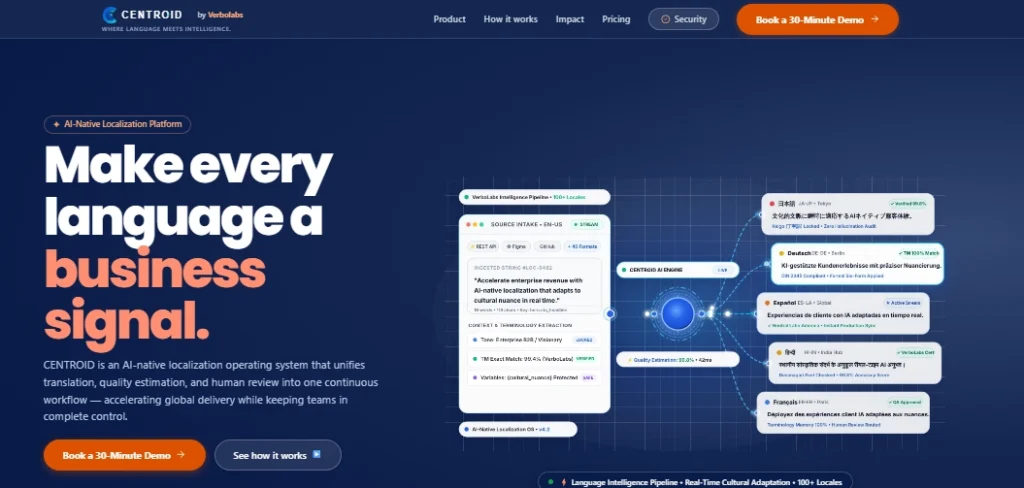
VerboLabs offers CENTROID as a solution for businesses seeking AI -driven Translation Management System. Companies that want to experience the benefits of AI-driven localization without abandoning the use of linguists should take this approach into consideration.
Why CENTROID by VerboLabs Fits Mobile Product Teams
CENTROID fits well into this comparison as it is a service offered by VerboLabs. In addition to AI-driven localization, VerboLabs offers services that include app localization solutions involving the localization of the UI text, content customizations, localization of app store content, and linguistic testing of mobile products.
CENTROID by VerboLabs: Features, AI and Quality
Certain considerations would be crucial in the case of mobile projects. One of them involves the evaluation of whether resources used by the team’s apps are supported by the process and whether the placeholders are preserved during localization. Ask for a demonstration of the process using Android XML, iOS resources, or the framework files used in your app.
CENTROID by VerboLabs: Pricing and Customer Feedback
Be sure to get the necessary information about the price and the services included in the package. Greeks did not specify the information on the reviews available.
CENTROID by VerboLabs: Limitations and Buyer Checks
The specific technical capacities involved and pricing details must be confirmed. One of the questions that needs checking is whether or not the workflow involves any process amendments.
2. Lokalise – Mobile Product Localization
Why Lokalise Fits Mobile Product Teams
The company’s product was developed for software and product localization operations. It is possible for teams to use it for translation project management, development tool connections, etc.
Lokalise: Features, AI and Quality
In the pricing section, the capacities of the AI solution, machine translation technologies, various integrations, and automation processes of the platform have been explained. Details about availability can be obtained depending on the subscription chosen.
Lokalise: Pricing and Customer Feedback
Lokalise provides clients with several subscription plans at different price levels. Check what plan suits you best and request a quote if you need an advanced solution.
Lokalise: Limitations and Buyer Checks
Make sure that you review the integrations offered by your plan. Check if screenshots and export of resources work well, how plurals are treated, and what steps should be taken in order to approve a new change.
3. Phrase Strings – Key-Based Mobile Localization
Why Phrase Strings Fits Mobile Product Teams
Phrase aids in software localization and developer-focused processes. Its user manuals elucidate the process of localizing mobile applications and delivering over-the-air updates for systems such as iOS, Android, Flutter, and React Native.
Phrase Strings: Features, AI and Quality
This technology provides you with APIs, integrations, translation tools, and a visual editor that works in context. Its OTA workflow utilizes a software development kit (SDK) to apply translations in real time.
Phrase Strings: Pricing and Customer Feedback
Phrase has several subscription plans. Its Software UI/UX has a monthly fee of $525, with an option to pay yearly. However, it is important to note that various limits apply depending on your preferred subscription plan.
Phrase Strings: Limitations and Buyer Checks
Make sure you keep track of the limits regarding the number of words and seats available per plan, as well as API and OTA requirements. In addition, ensure that the SDK will fit your application’s architecture and make certain that your specialists are acquainted with the rollout and rollback processes.
4. Crowdin – Collaborative App Release Workflows
Why Crowdin Fits Mobile Product Teams
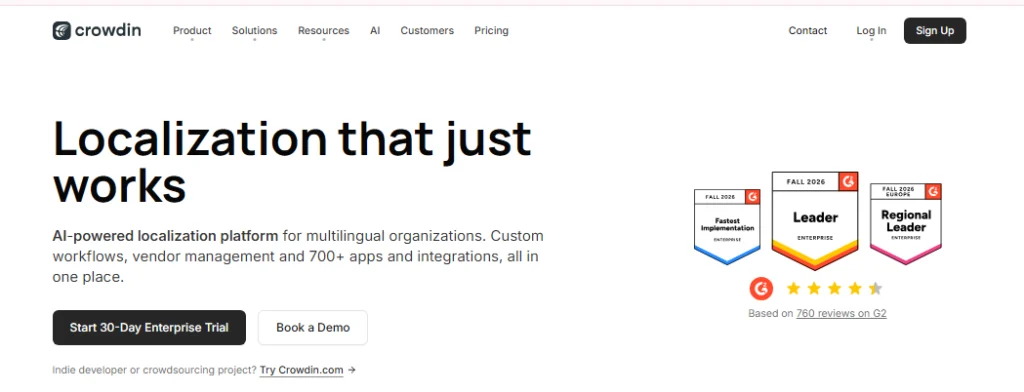
Crowdin provides integration capabilities with numerous resources and other development instruments. Their portable localization instructions likewise enable the management of Android and iOS materials in contracts created together with different stakeholders.
Crowdin: Features, AI and Quality
The Android and iOS SDK integration solution provides OTA content delivery, translation previewing, and screenshots. The SDK options include the possibility of using them free of charge for a period of up to one million requests and ten GB of data processing, while all excess is paid for separately.
Crowdin: Pricing and Customer Feedback
Crowdin has two types of pricing plans for a free and paid use. More information about the pricing scheme can be found on its price list page.
Crowdin: Limitations and Buyer Checks
Make sure to explore whether the SDK implementation is required for your processes. Try to carry out tests of synchronization, read access, updates of the screenshots of the obtained information, as well as the availability of translated material.
5. Transifex – Continuous App Content Operations
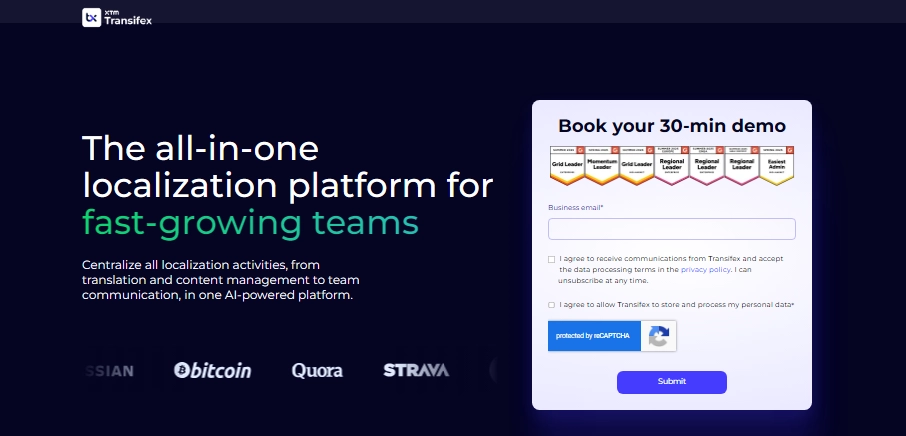
Why Transifex Fits Mobile Product Teams
Transifex offers mobile localization workflows for both iOS and Android devices. The documentation explains SDK-based localization and support for content in mobile applications.
Transifex: Features, AI and Quality
The iOS SDK enables OTA translation delivery with MFA and uses an internal translation cache. Additionally, it supports Swift and Objective-C projects.
Transifex: Pricing and Customer Feedback
Pricing is based on the translation volume, language quantity, and available features. It is possible to sign up for a free trial of the service and request a plan depending on the participant’s activity.
Transifex: Limitations and Buyer Checks
Be sure to check the compatibility of the SDK, all frameworks that are supported by it, and the level of control over OTA updates. You should also test the application when the translation is not available or when the newer version of the app is not approved.
6. Smartling – Enterprise App and Support Content
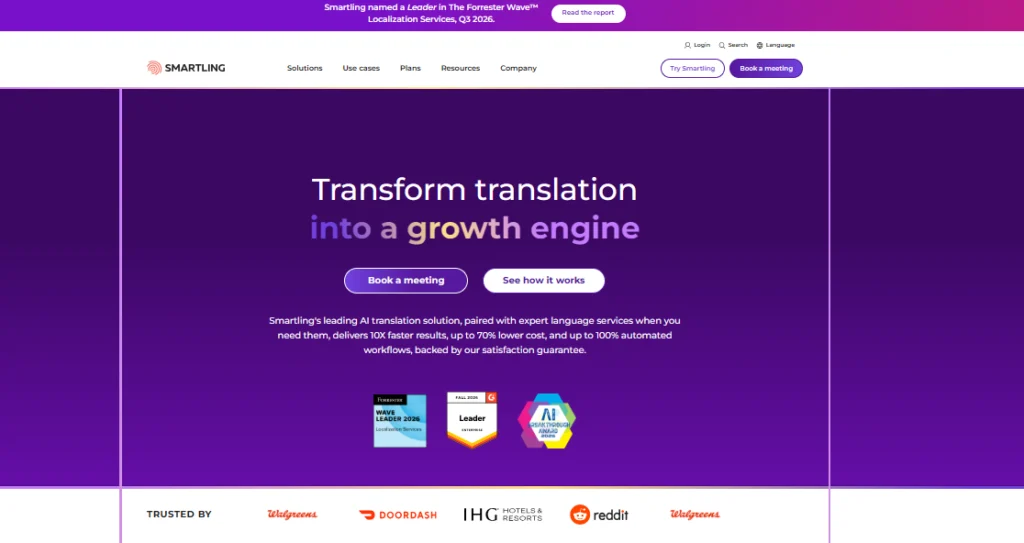
Why Smartling Fits Mobile Product Teams
The mobile documentation contains descriptions of widely used iOS and Android resource formats as well as the use of APIs for file transfer and storage integration. Translators also get visual context.
Smartling: Features, AI and Quality
Team members are able to upload screenshots and employ OCR to correlate visual contexts with strings, which streamlines the entire process thanks to its Image Context API.
Smartling: Pricing and Customer Feedback
Pricing is based on services and usage. Request a detailed estimate of the translation, platform, and implementation requirements, as well as any other services required.
Smartling: Limitations and Buyer Checks
The larger the enterprise workflow, the more it takes to plan and prepare it. Make sure you know all about implementation time, integrations, security, and TCO at the time of selecting the workflow. The compare enterprise localization management tools compares enterprise workflow, integration, governance, reporting, and multilingual delivery capabilities.”
7. Localazy – Developer-Led Mobile Resource Automation
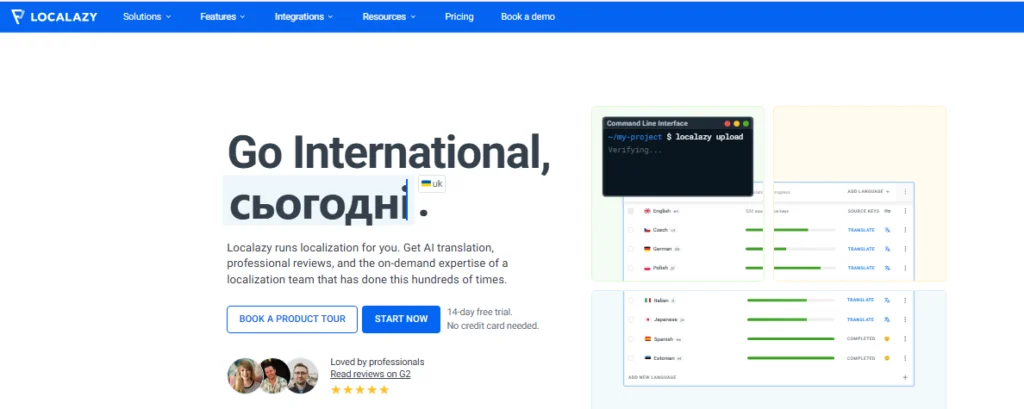
Why Localazy Fits Mobile Product Teams
The platform has capabilities such as mobile SDKs, APIs, command-line interfaces, as well as compatible resource formats. With these features in place, teams can easily manage translations across different application platforms.
Localazy: Features, AI and Quality
The Professional plan offered by the platform boasts features like translation memory, screenshots, handling of plural forms, APIs, formatting options, as well as development tools. In addition, automation options can be found in the higher-tier plans. Localazy pricing. The CAT tools for B2B teams compares workbenches that combine translation memory, terminology controls, quality checks, and AI assistance
Localazy: Pricing and Customer Feedback
The listed price of the Professional plan stands at $34 a month when paid for a year in advance, and the Autopilot plan costs $78 a month based on the same billing frequency. Please refer to the pricing page for the most up-to-date information regarding the limits.
Localazy: Limitations and Buyer Checks
Make sure that you check the formats your framework supports. Also, verify how the releases, plural forms, and translations are processed. Be confident that the automation does not interfere with your review process.
8. POEditor – Mobile Resource Translation Collaboration
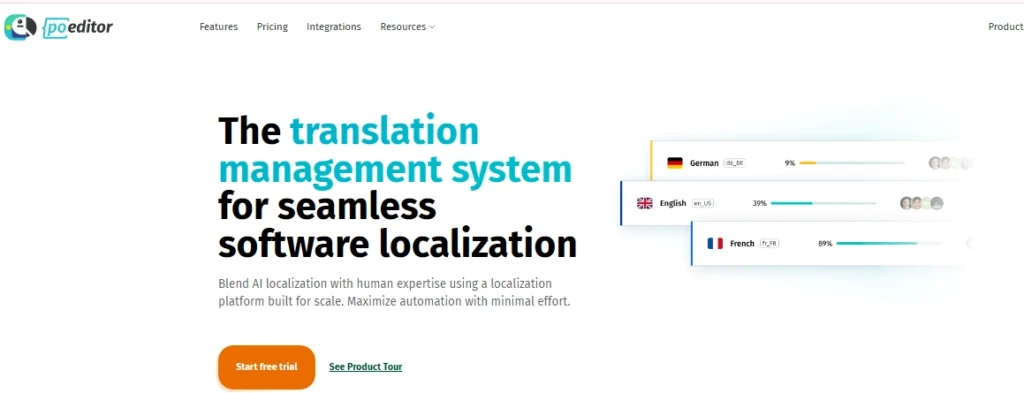
Why POEditor Fits Mobile Product Teams
It supports many types of files like ARB, JSON, and XLIFF. It helps users run translation projects and work together on mobile data files.
POEditor: Features, AI and Quality
Its platform features comments, screenshots, teams, automated quality checks, and proofreading features. It supports machine and AI translation.
POEditor: Pricing and Customer Feedback
POEditor has a free plan and paid options based on string count and access to features. It has an FAQ section containing pricing info for some of the plans, but customers should check the updated price for budgeting.
POEditor: Limitations and Buyer Checks
Testing how the tool processes your existing iOS and Android files. Consider the placeholders, source changes, export formats, and the number of strings included with your plan.
9. Weblate – Repository-Owned Mobile Localization
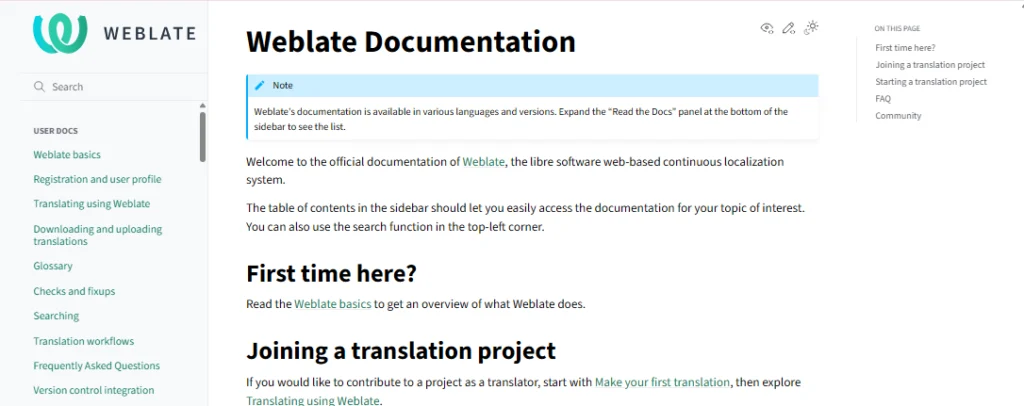
Why Weblate Fits Mobile Product Teams
If your team utilizes a version control system to manage its code, then by using this approach to translation, you will be abiding by the familiar principles of development.
Weblate: Features, AI and Quality
You should assess how its translation process works, how it manages updates, reviews, and supports the resource formats used by your product. The next step is to find out what platforms and solutions are needed to enable all necessary integrations.
Weblate: Pricing and Customer Feedback
The cost of the service varies based on the model chosen. Visit their website to see current offerings and evaluate whether their hosted solutions can meet self-management requirements for the specific installation necessary.
Weblate: Limitations and Buyer Checks
Being your own host will mean taking care of updates, maintenance, backups, and security of your solution. It is essential to identify who will take care of all these processes and to test the full operating cycle on both mobile platforms.
10. Localizely – Web, Mobile and Flutter-Oriented Teams
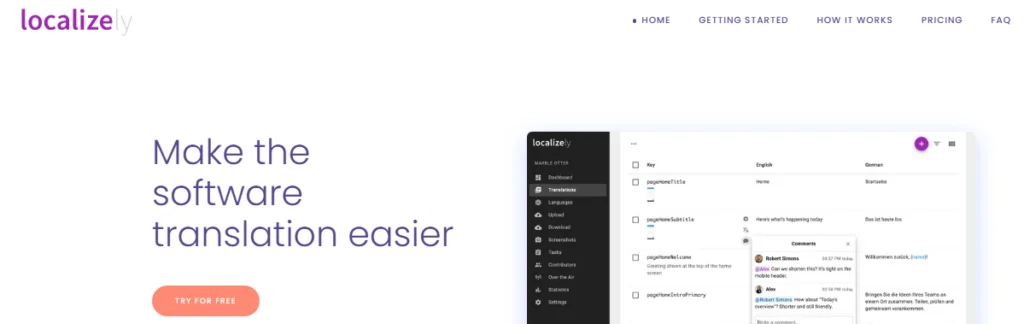
Why Localizely Fits Mobile Product Teams
The platform has localization workflows for both web applications and mobile applications. It has documentation for Flutter that talks about how teams can use their SDK for translating without having to launch a new app version.
Localizely: Features, AI and Quality
The pricing page of the software mentions its features such as translation memory, glossary, QA checking, and optional Flutter OTA add-on. The price of OTA is determined according to the number of active users in a month.
Localizely: Pricing and Customer Feedback
There is also a free plan that allows the user to host 250 string keys on the platform, and the paid plans and the OTA usage have different usage limits.
Localizely: Limitations and Buyer Checks
Make sure that the SDK being used is compatible with the current framework. Check the translation process, pre-release version, rollback action, and the app when the device fails to capture significant details.
Which Shortlist Fits Your Mobile Product Team?
| If your priority is… | Consider | Verify first |
| AI-led app content localization | CENTROID | Resource compatibility and review controls |
| Mobile product localization | Lokalise | Integrations and plan capacity |
| Key-based localization | Phrase Strings | SDK and release workflow |
| Collaborative app workflows | Crowdin | SDK and usage limits |
| Continuous content operations | Transifex | Framework and OTA support |
| Enterprise app and support content | Smartling | Setup and total cost |
| Developer-led automation | Localazy | Formats and export controls |
| Resource translation collaboration | POEditor | File conversion and string limits |
| Repository-owned localization | Weblate | Hosting and maintenance |
| Flutter-oriented localization | Localizely | SDK and OTA limits |
What Should Your Vendor Pilot Prove?
Avoid making your selection based solely on how well the platform works during a demonstration. Test the platform using a small piece of your software.
Use the account settings page and translate some typical user actions. Don’t forget to use one of the right-to-left written languages, as well as changing the original text and providing the app store listing.
During the test run, examine:
- The quality of the hardware: Is everything displayed correctly? What about the navigation?
- Does the translation team see the latest version of all screenshots?
- Does an error make it impossible for the application to work?
- How long does it take for the translation to go through?
- Do the app store and the localized version of the app match the information spread in the app?
Make sure you ask the same question to all vendors: “Is it possible to install the localized version of the app and take down any incorrect translations by means of our delivery method?”. The compare translation project management software compares platforms for assignment, scheduling, vendor coordination, progress tracking, and delivery.
Final Recommendation
Selecting an app localization tool is not a straightforward endeavor, as each B2B mobile team requires something different based on the app framework, the format of resources used, the release process, the size of the team, and the quality needed.
The use of tools such as Lokalise, Phrase Strings, Crowdin, and Transifex is favorable for common product and developer workflows. Popular among large corporations is Smartling. Localazy, POEditor, Weblate, and Localizely are alternative tools that help to manage resources in different ways. The compare software localization tools compares platforms for repositories, string workflows, context, testing, and release cycles.
Another highly useful tool is CENTROID by VerboLabs, which should also be seen in the context of AI-based localization of app content. Before making any choice between the presented or other tools, make sure to arrange a demonstration using your app resources, images, and release process.

Expand your global reach with VerboLabs! Get accurate, culturally adapted localization services to connect with new markets. Contact us today for expert solutions!
Frequently Asked Questions
Verify the real files utilized by your app – for instance, iOS .strings and .stringsdict, Android XML, or Flutter ARB. Test plural rules, variables, escaping, and locale variants. After that, export translations and verify that the app is working properly.
The above-mentioned is not always true. Some platforms provide workflows for app store content, while others concentrate on in-app assets. You should make sure that your app store description, keywords, screenshots, and other items from the listing are supported separately.
Over-the-air localization is an option that helps transfer translations to the app without doing a full release. It usually relies on some SDK or a different mechanism for delivery.
Use a localized version of the app. Test right-to-left navigation, long translation strings, font sizes, button dimensions, accessibility labels, and formats of currency and date.